

Mobile App Development: The Complete Guide for Businesses in 2025
Everything you need to know before building a mobile app for your business
פורסם ב: October 8, 2026
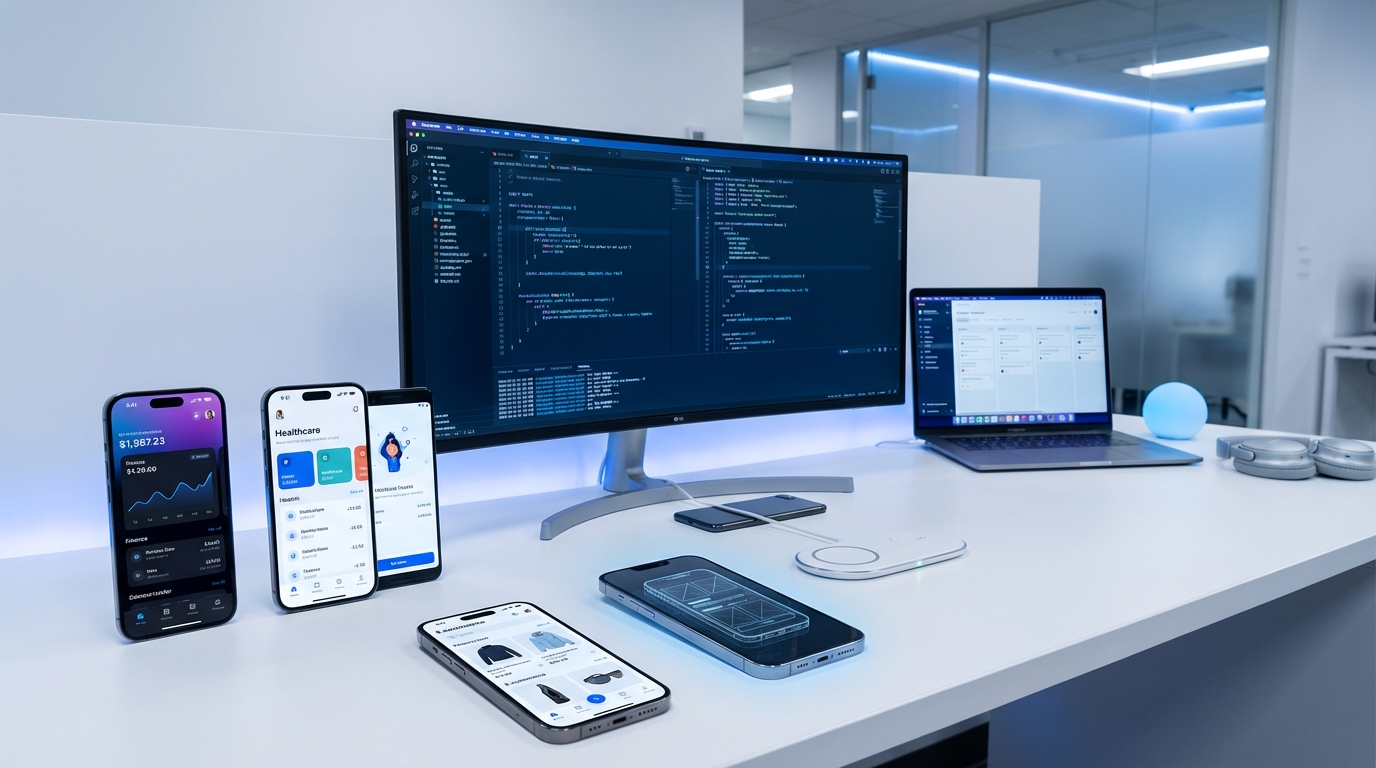
Why Mobile App Development Matters for Businesses
Mobile apps are no longer optional for businesses that want to stay competitive. Whether you're building a customer-facing product, an internal operations tool, or a companion app for your SaaS platform, a well-built mobile app can drive revenue, improve efficiency, and strengthen your brand.
But mobile app development is also one of the most misunderstood areas of software engineering. Costs vary wildly, timelines are frequently underestimated, and the wrong technical decisions early on can cost months of rework. This guide covers everything you need to know to make informed decisions about your mobile app project.
Native vs. Cross-Platform vs. Hybrid: Choosing Your Approach
Native Development
Native apps are built specifically for one platform using the platform's official language and tools:
- iOS: Swift or Objective-C, using Xcode
- Android: Kotlin or Java, using Android Studio
Pros: Best performance, full access to platform APIs, native look and feel, best for complex animations and hardware-intensive features.
Cons: Separate codebases for iOS and Android, higher development cost, longer time to market.
Best for: Performance-critical apps (games, AR, real-time video), apps requiring deep OS integration, apps where platform-specific UX is critical.
Cross-Platform Development
Cross-platform frameworks let you write one codebase that runs on both iOS and Android:
- React Native: JavaScript/TypeScript, backed by Meta. Large ecosystem, strong community.
- Flutter: Dart language, backed by Google. Excellent UI toolkit, fast rendering engine.
Pros: Single codebase, faster development, lower cost, consistent UI across platforms.
Cons: Slight performance trade-off vs. native, occasional platform-specific workarounds needed, dependency on framework updates.
Best for: Most business apps, MVPs, apps that need to launch on both platforms simultaneously, teams with web development experience.
Hybrid (WebView) Development
Hybrid apps wrap a web application inside a native container using frameworks like Apache Cordova or Ionic:
- Pros: Maximum code reuse with web apps, fastest development time, lowest cost
- Cons: WebView performance limitations, less native feel
- Best for: Content-heavy apps, internal tools, MVPs, teams with existing React/Angular/Vue web apps
The Mobile App Development Process
1. Discovery and Planning
Before writing any code, define your app's scope clearly:
- Target users: Who will use the app? What problems does it solve for them?
- Core features: What are the must-have features for launch (MVP)?
- Platform strategy: iOS only, Android only, or both? Which approach (native, cross-platform, hybrid)?
- Integration requirements: What backend systems, APIs, or third-party services need to connect?
- Budget and timeline: Realistic expectations based on scope
2. UX/UI Design
Mobile design is different from web design. Key principles:
- Mobile-first thinking: Design for thumb navigation, small screens, and interrupted usage sessions
- Platform conventions: iOS and Android users expect different navigation patterns, gestures, and UI elements
- Accessibility: Font sizes, contrast ratios, screen reader support — required for enterprise apps, recommended for all
- Prototyping: Interactive prototypes (Figma, Adobe XD) let stakeholders experience the app before development begins
3. Development
Modern mobile development follows agile practices:
- Sprint-based delivery: Working features delivered every 2-3 weeks
- CI/CD pipelines: Automated builds, tests, and deployments
- Version control: Git-based workflows with code review
- API-first architecture: Backend APIs designed for mobile consumption — efficient data transfer, proper caching, offline support
4. Testing
Mobile testing requires more attention than web testing:
- Device fragmentation: Test on multiple devices, screen sizes, and OS versions
- Network conditions: Test on slow networks, offline mode, network switching
- Battery and performance: Monitor CPU usage, memory leaks, and battery drain
- App store compliance: Both Apple and Google have specific guidelines that can cause rejection
5. Launch and Maintenance
Launching is just the beginning:
- App Store Optimization (ASO): Keywords, screenshots, descriptions that drive downloads
- Monitoring: Crash reporting (Sentry, Crashlytics), analytics (Firebase, Mixpanel)
- Updates: Regular updates for OS compatibility, security patches, and new features
- User feedback: App store reviews and in-app feedback loops
How Much Does Mobile App Development Cost?
Costs depend on complexity, platform, and development approach:
- Simple app (basic UI, limited backend, one platform): $15,000-$40,000
- Medium complexity (custom UI, user auth, API integrations, both platforms): $40,000-$120,000
- Complex app (real-time features, AI/ML, custom backend, enterprise security): $120,000-$300,000+
Cross-platform development typically saves 30-40% compared to building separate native apps.
How Long Does Mobile App Development Take?
- MVP / simple app: 2-4 months
- Medium complexity: 4-8 months
- Complex enterprise app: 8-14 months
These timelines include design, development, testing, and app store submission. Factor in 2-4 weeks for Apple's review process on first submission.
Common Mistakes to Avoid
- Building too much for v1: Launch with core features, then iterate based on real user feedback
- Ignoring offline capability: Mobile users lose connectivity regularly — plan for it
- Skipping performance optimization: A slow app loses users. Optimize from day one, not as an afterthought
- Not planning for maintenance: Budget 15-25% of initial development cost annually for updates and maintenance
- Choosing the wrong development partner: Look for partners with relevant experience, not just the lowest bid
How to Choose a Mobile App Development Partner
Key criteria when evaluating development companies:
- Relevant portfolio: Have they built apps similar to yours?
- Technical expertise: Deep knowledge of your chosen platform/framework
- Communication: Clear, frequent updates. A dedicated project manager or team lead
- Post-launch support: Maintenance, monitoring, and iteration capabilities
- Cultural fit: Do they understand your industry and business goals?
Ready to Build Your Mobile App?
UIDB is a boutique R&D software company specializing in mobile app development, cross-platform solutions, and enterprise mobile applications. We help SaaS companies and organizations design, build, and maintain mobile products that scale.
Whether you're building your first app, migrating from a legacy platform, or expanding an existing product to mobile — we bring the expertise to deliver a polished, performant application.
Contact us for a free consultation — let's discuss your mobile app project and find the right approach for your business.
 תגיות:
- mobile app development
- app development company
- cross-platform mobile app
- mobile app cost
- react native development


השאירו תגובה